Guide
Parking Lot Security Cameras: Where They Go and Who Watches Them
Placement, night video, plates and privacy, and the question most buyers skip: what happens when one of those cameras sees something at 2 a.m.
Oversight Protection EditorsUpdated Commercial
Employee lots, retail lots and truck yards share a problem: they are large, open, mostly empty after hours, and full of things worth taking. Cameras are the usual answer, but a camera only records what happens in front of it. Whether it protects anything depends on where it points, what it can see in the dark, and whether anyone is looking when it matters.
This guide is for the people who own or run commercial lots and have to decide what to put up and how to run it. It covers placement, night and weather, the three ways cameras get monitored, the legal points to check, and the questions to put to a provider before signing.
What parking lot cameras are for
A camera in a lot can do four different jobs, and one camera rarely does all of them well:
- Deter. A visible camera, good lighting and a sign tell someone the lot is watched.
- Detect. Notice a person or vehicle where and when none should be.
- Identify. Capture a face, a plate or a trailer number clearly enough to use later.
- Record. Keep evidence of what happened for police, insurers and your own review.
A wide camera high on a pole is good at detecting and poor at identifying: it sees the whole row, but a person in it is a few pixels tall. A narrow camera at the gate identifies everything that passes it and sees nothing else. Most lots need both: identification points where every vehicle and person has to pass, and overview coverage of what happens between them. Decide which job each camera is doing before deciding how many to buy.
Where to put cameras in a parking lot
| Zone | Main job | What to get right |
|---|---|---|
| Vehicle entrances and exits | Identify vehicles and plates | A narrow view aimed where cars slow down, a fast shutter so plates don't blur, and a camera that copes with headlights pointing straight at it. |
| Building doors and pedestrian paths | Identify people | Mounted at a height and angle that shows faces rather than the tops of heads, covering the walk from the door to the far rows. |
| Rows and drive aisles | Detect and record | Pole-mounted overview cameras with overlapping views, so one parked van or box truck can't hide a whole row. |
| Fence line and back of the lot | Detect | The places someone on foot can get in without passing the gate: fence gaps, the area behind the building, the edge by the road. |
| Gates, payment kiosks, cart corrals, loading docks | Identify and record | A dedicated view of each point where access, money or goods change hands. |
| Truck yards and trailer rows | Detect | Views down each row, plus fuel islands and dock doors. Trailers move every day, so plan for sightlines that change. |
Mount height is a trade. Higher cameras see more and are harder to reach, spray or knock aside, but show less detail of each person. Lower cameras capture faces but can be tampered with. The usual answer is high overview cameras on poles plus identification cameras at the choke points.
Walk the lot at night with the installer before the plan is final. Parked vehicles, light poles, trees in full leaf and winter snowbanks all change what a camera sees, and a plan drawn on an empty site map shows none of them.
Night, weather and motion that isn't a threat
A lot is most exposed after hours, when it is empty and dark, so judge cameras on their night picture rather than the daytime demo. Check:
- Infrared range against the real distance to the far edge of what each camera covers, not the figure on the box.
- Lighting. Whether the lot's lights are even or leave dark pockets between poles. Cameras do much better with light to work with than on infrared alone.
- Headlights. How the camera handles oncoming lights. Wide dynamic range matters most at entrances and exits.
- Plates at night. Whether plate cameras keep plates readable after dark at the speeds cars actually drive through your gate.
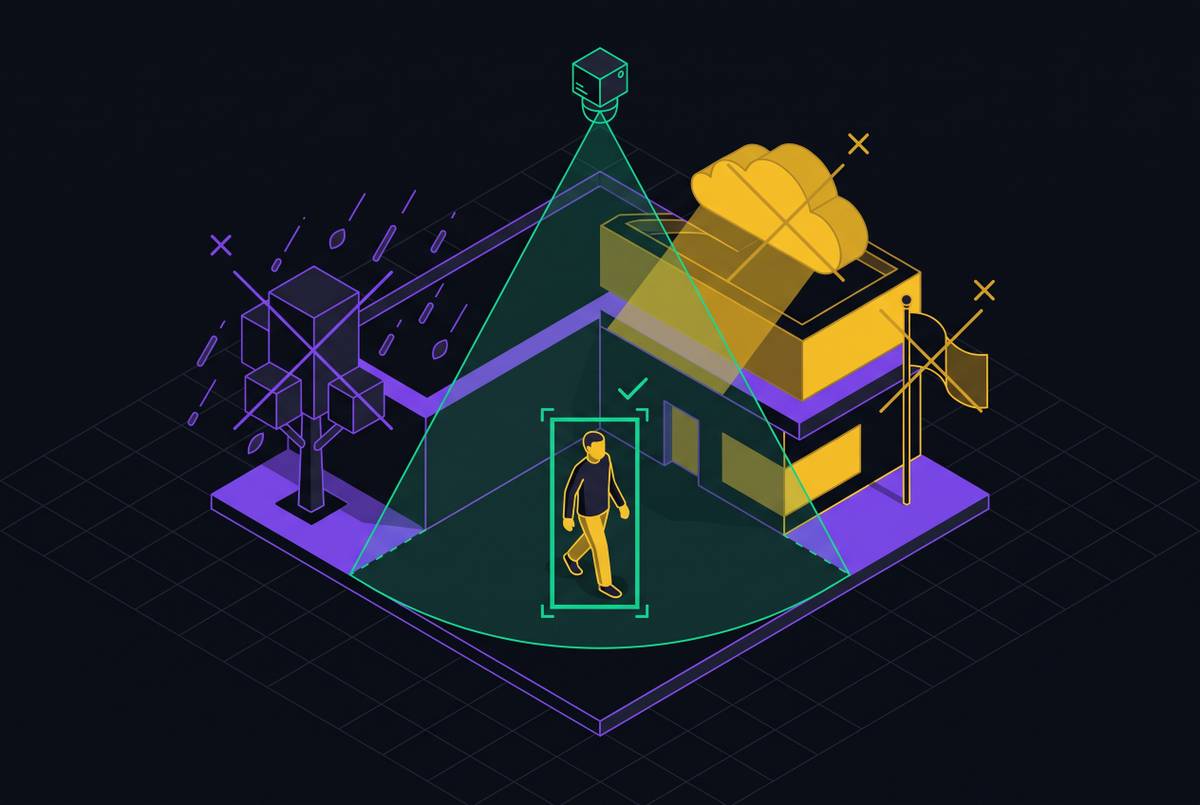
Outdoors, most motion isn't a person: wind in trees, rain and snow, insects on the lens at night, headlights sweeping across rows, shadows moving with the sun, and your own staff and customers. Basic motion detection treats all of it alike. That is the main reason outdoor alerts end up ignored, or the noisy cameras get muted and leave a blind spot. Before buying, ask how a system tells a person from a branch, and ask to see it on footage from a site like yours.
Recorded, alerted or watched
The same cameras can be run three ways, and each gives a different kind of protection:
- Recorded only. Footage is kept on a recorder or in the cloud and reviewed after something is found. It is useful evidence for police reports and insurance claims, and it stops nothing while it is happening.
- Alerts to your phone. Motion or person alerts go to a manager. It costs little, but it depends on someone being awake, seeing the alert and judging it, every night. Outdoor alerts come often enough that people stop opening them.
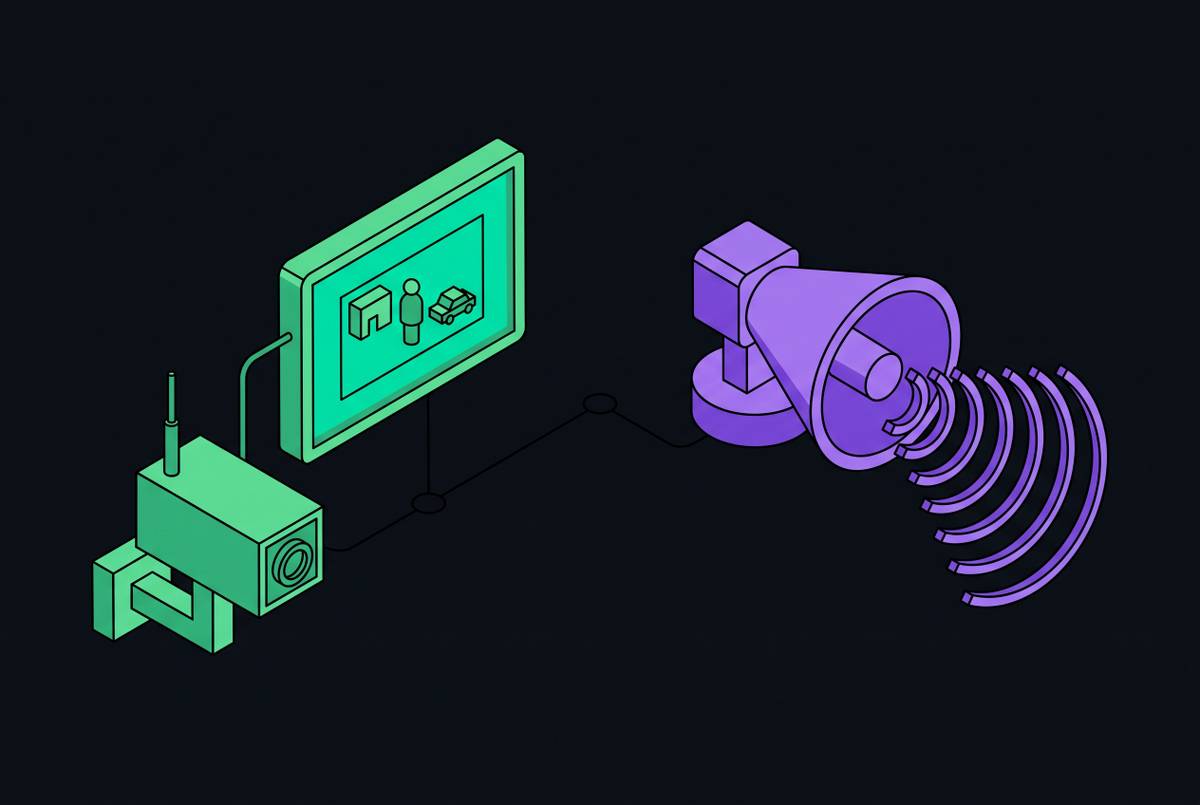
- Remote video monitoring. A monitoring service reviews events as they happen and acts on them: speaking through a speaker on the pole, calling your contact, or calling police with a description of what it sees.
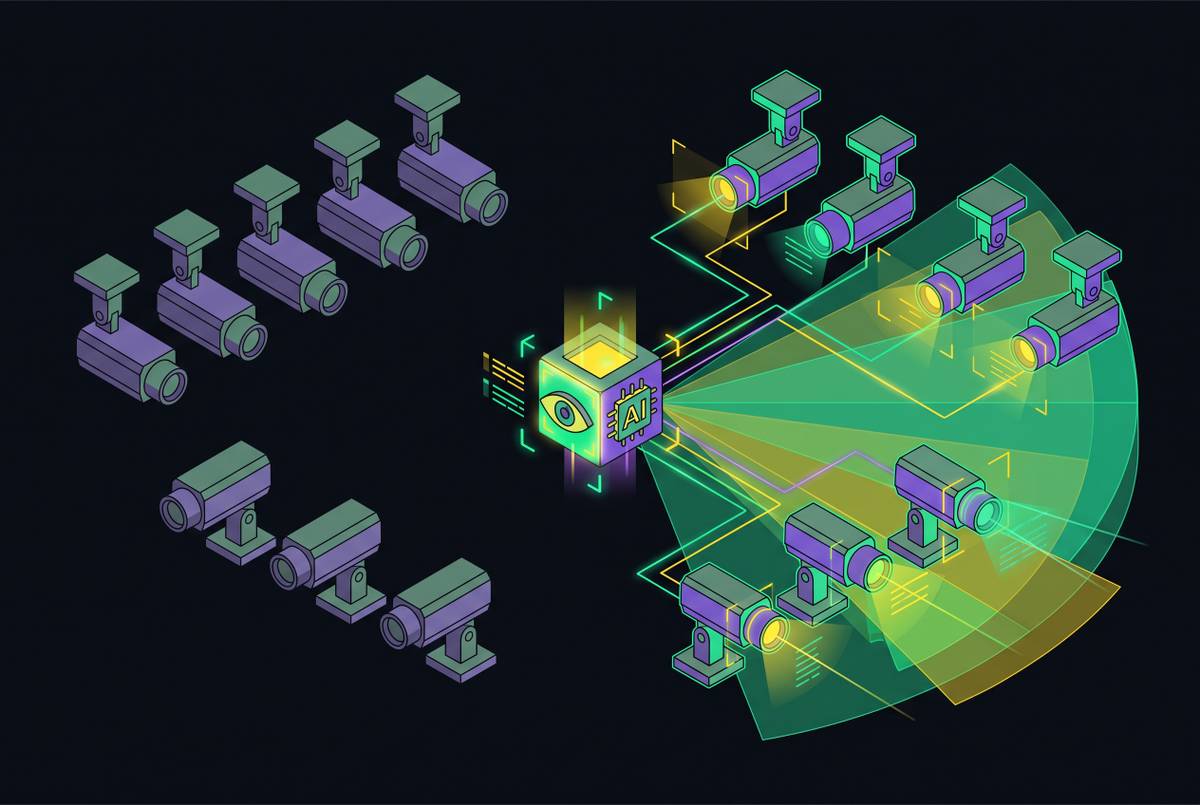
Providers differ most in how they run remote monitoring. In the traditional model, every detection becomes a clip in a queue for a human operator, and a lot full of moving trees and headlights fills that queue fast. A camera can be monitored without being watched: connected to a center, but waiting in line behind the noise when something real happens. Newer services put AI in front of the queue to sort routine activity from real events, so operators see fewer and more relevant alarms. Whichever model you look at, ask exactly how an alarm gets from the camera to a person, and how long that takes when the queue is full.
Verified alarms and police response
Police departments increasingly treat an unverified alarm differently from one where someone has confirmed a crime is under way, and some cities require that confirmation before they send officers. A monitoring service that has watched the video can tell dispatch how many people there are, where they are and what they are doing, which gives officers something to act on. See video verification versus audio-only alarm response for how the tiers of verification differ.
Rules differ by city and county. Ask your local police department, or the office that runs your city's alarm ordinance, how they treat video-verified alarms and whether your site needs an alarm permit.
What changes by type of lot
Employee lots
The risk gathers around shift changes and late shifts, when people walk to their cars alone. Normal activity here keeps a schedule, so a system that knows the shift times can treat a 6 a.m. arrival as routine and someone walking the rows at 3 a.m. as worth a look. See site context for AI alarm triage. Cover the walk from each staff door to the farthest rows, along with the lighting along it.
Retail lots
During opening hours the lot is busy with customers, carts and deliveries, and cameras mostly serve as evidence for vehicle damage, injury claims and incidents. After closing, the concern shifts to loitering, dumping and break-ins at the building. Cover the storefront, the cart corrals and the loading area behind the store, which is often unlit and out of sight of the road.
Truck yards and fleet lots
Tractors, trailers, fuel and cargo sit unattended overnight, and the layout changes every day as trailers come and go. Cover the gate well enough to read plates and trailer numbers, plus the fuel islands, dock doors and the whole perimeter, since a yard fence is long and gaps are easy to miss. Agree with the provider what normal looks like at night, such as drivers sleeping in cabs or early departures, so routine activity isn't escalated every night.
Construction sites and temporary lots
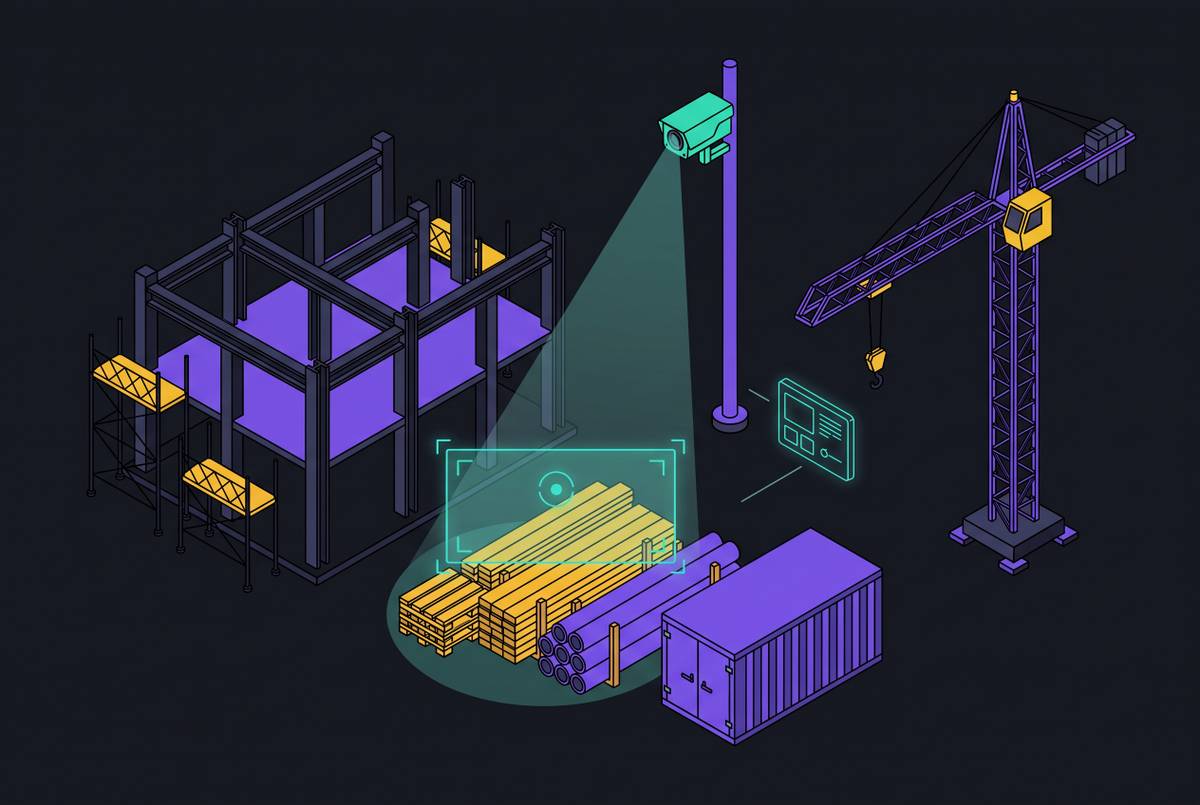
These lots often have no power or network. Solar-powered camera units with cellular connections are the common answer. Check how they hold up in winter, how much data they're allowed to use, and how they're secured against being stolen themselves. More in construction site theft prevention.
Privacy, signage and the law
- Signs. A notice that the lot is under video surveillance deters, and some places require one. Check your state and local rules.
- Audio. In the US, recording sound is regulated much more tightly than video, and many states require the consent of everyone in a conversation. A speaker that broadcasts a live warning is not the same as a microphone that records. Check your state's eavesdropping law before turning microphones on.
- License plates. Several states regulate how plate reader data can be collected, kept and shared. Check before building a plate database.
- Neighbors. Keep cameras off neighboring windows and private spaces. Most systems can mask part of the image.
- Retention. Decide how long footage is kept and who can export it. Insurers and lawyers will ask.
None of this is legal advice. Owners with sites in several states, or in regulated settings, should check with counsel.
Questions to ask a provider before you sign
- If someone climbs the fence at 2 a.m. tonight, how many minutes until a person or system looks at it, and what happens next? Get the answer in writing, and read what monitoring SLA terms actually guarantee.
- How does the system handle wind, rain, headlights and our own staff? If a camera alarms too often, is it muted, and are we told?
- Is there an overage fee when alarms pass a monthly number?
- Where are the operators, and who trains them? See the tradeoffs of offshore monitoring centers.
- Can we set schedules and rules for each area, such as deliveries after 5 a.m. or a guard patrol at midnight?
- What do we get after an incident: clips, a written report, a timeline of each step?
- Does the service work with the cameras we already have, or does it need new hardware?
What drives the cost
Prices vary too much from site to site to quote here, and providers price in different ways: per camera, per site, per monitored hour or per alarm. What moves the number:
- How many cameras you need, and how many must be identification-grade.
- Whether power and network already reach the poles. Trenching and new poles can cost more than the cameras.
- Recording hardware or cloud storage, and how long footage is kept.
- Monitoring hours: overnight only, weekends, or around the clock.
- How alarms are counted, and what happens to the bill when a stormy month doubles them.
Get written quotes from two or three providers for the same plan, and ask each for the full monthly cost at your site's real alarm volume, not just the base rate.
Common questions
How many cameras does a parking lot need?
It depends on the layout more than the size. Start with one identification camera at each vehicle entrance and exit and at each pedestrian door, then add overview cameras until every row is in view of at least one camera with vehicles parked in it. A night walk of the lot with the installer is the reliable way to count.
Do parking lot cameras prevent crime?
Visible cameras, lighting and signs can put off opportunistic theft, but a recording alone does not stop someone who has already decided to act. What lets a camera intervene is someone or something watching live and able to respond, through a speaker warning, a call to the site contact or a verified call to police.
Can I use the cameras I already have?
Often, yes. Many remote monitoring services connect to existing cameras and recorders. Ask whether your models are supported, and check that their night picture is good enough for the job each camera is meant to do.
Are solar or wireless cameras good enough for a lot?
For lots with no power or cabling, solar units with cellular connections are common. Check battery performance through winter, data limits, picture quality at night, and how the units are protected from theft and tampering.